 Studio App Build
Undo send
A few seconds to take back a message you sent too soon.
 Email - All Mail Access Free on Android
Email - All Mail Access lets you read your Gmail, open 30+ webmail providers and send the perfect message from 60+ ready-made templates — all from one simple app. Your mail stays between Google and your phone.
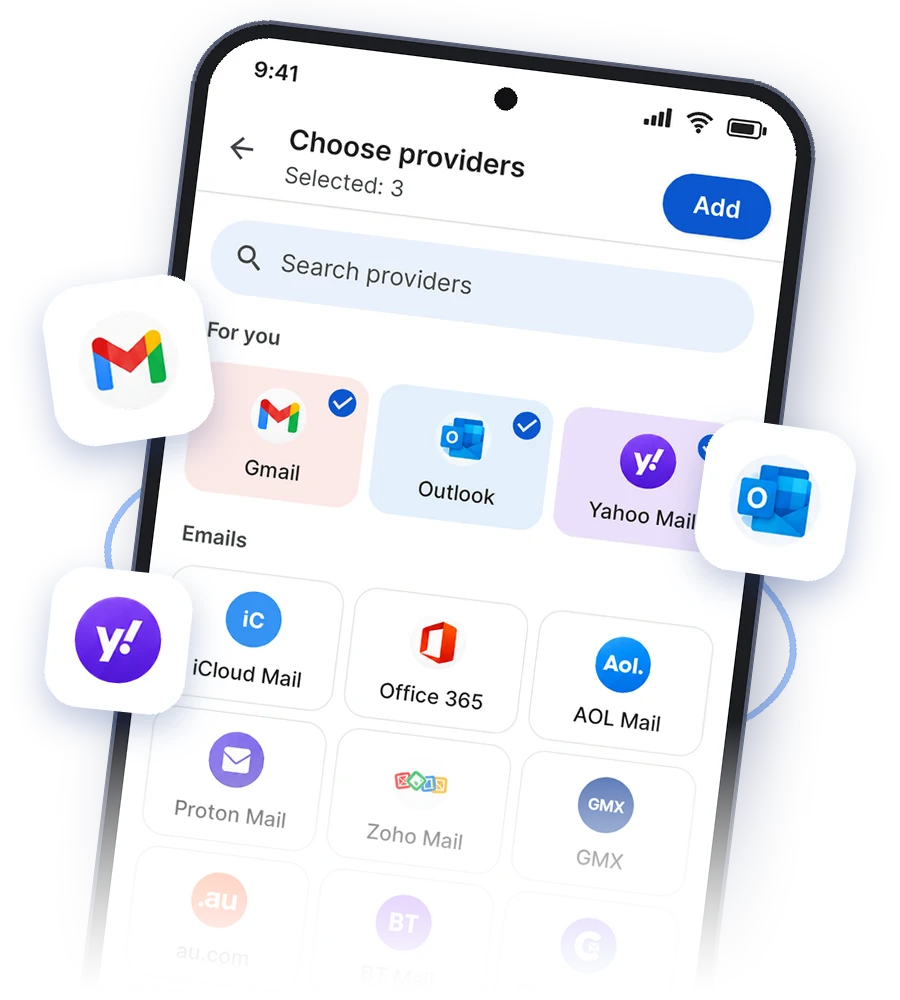
Open your webmail from 30+ providers, including
 Gmail
 Outlook
 Yahoo Mail
 Office 365
 AOL Mail
 Proton Mail
 Zoho Mail
 FastMail
 Yandex Mail
 GoDaddy
 Tuta
 T-Online
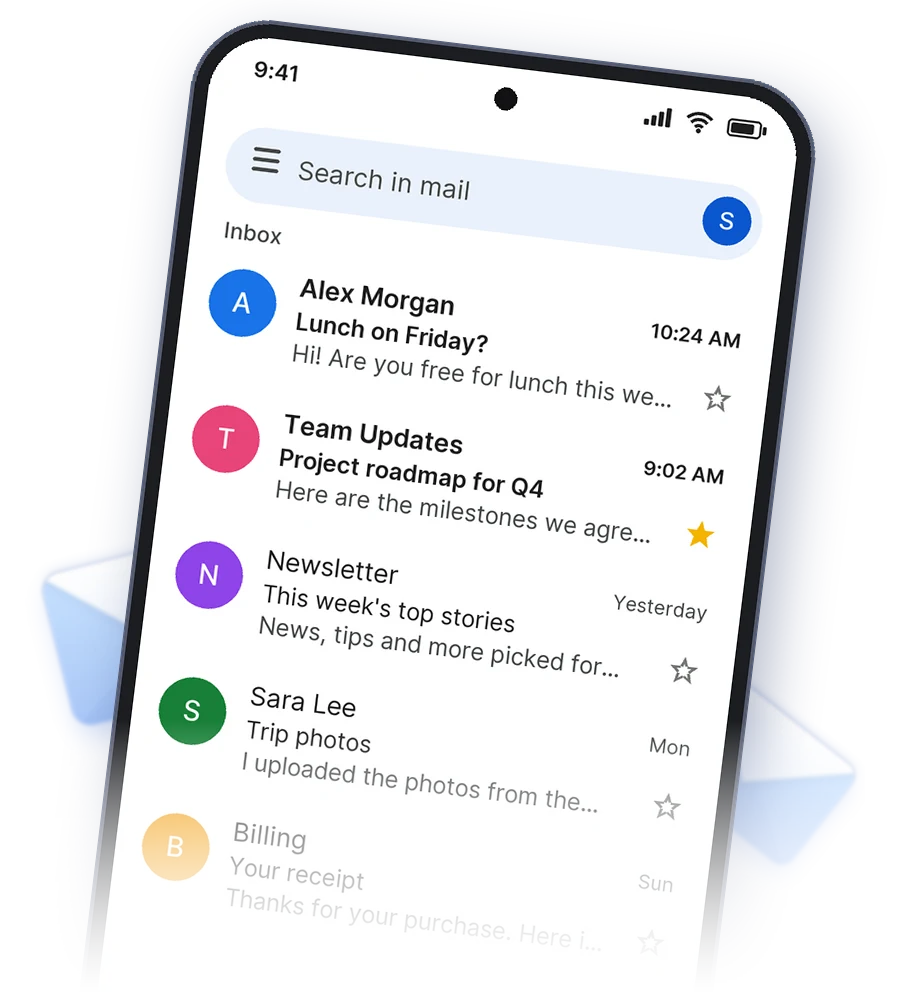
Connect your Gmail and everything is right where you expect it: conversations, labels, search and all your accounts in one tap.
Pick the services you use — Outlook, Yahoo, Office 365, iCloud, Proton, Zoho and many more, plus web versions of Facebook, Instagram, WhatsApp, Telegram, LinkedIn and X — and keep them together on one screen. Each opens on the service’s own official sign-in page, so your passwords go only to them.
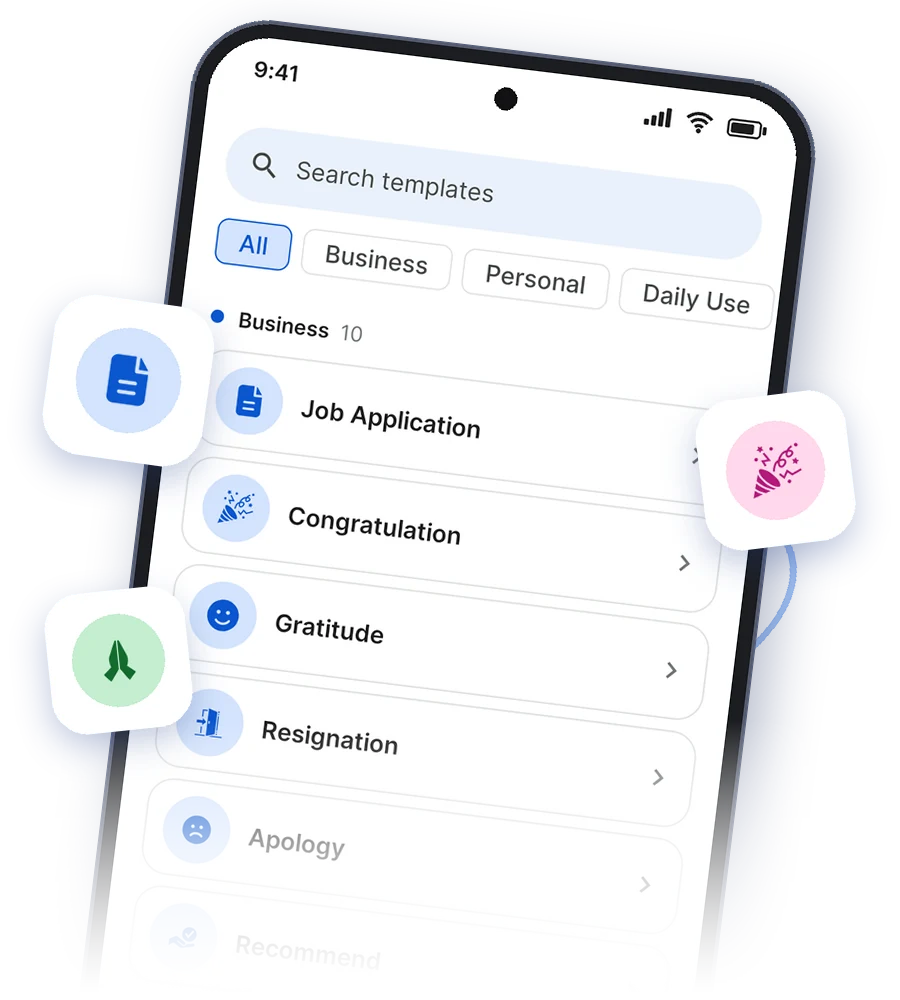
Cover letters, congratulations, thank-yous, sick leave, reminders and more — written for you in 10 languages. Fill in a name or a date and it’s ready to send.
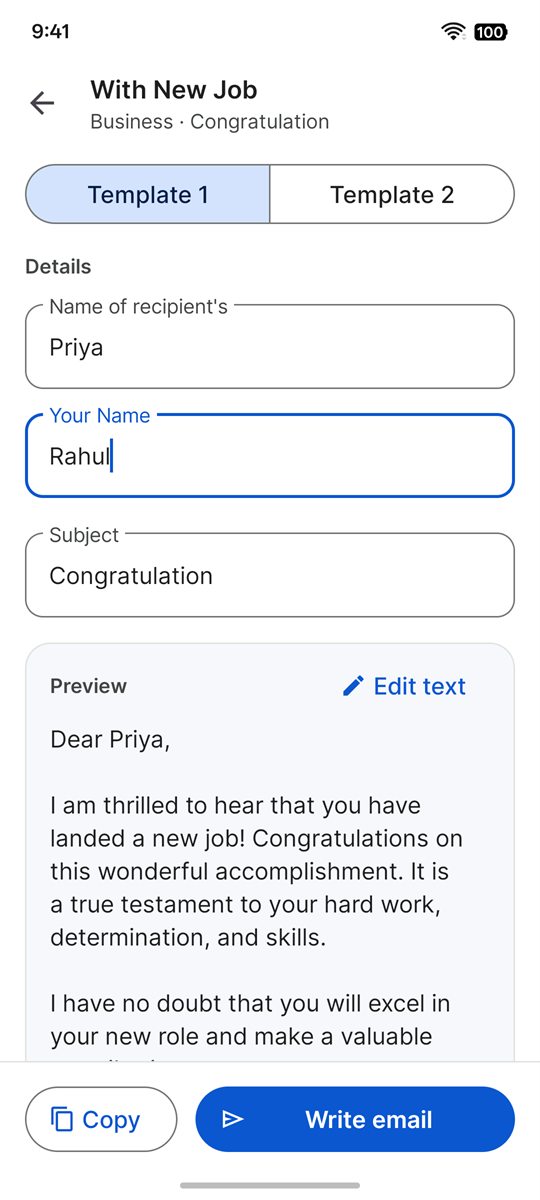
Type a couple of details and the preview fills in as you go. Switch between two versions, tweak any word, then send.
Thoughtful details for a calmer inbox.
A few seconds to take back a message you sent too soon.
Translate an email into your language, right on your phone.
Remote images stay hidden until you choose to show them.
Your latest mail at a glance, for the folder you pick.
Leave newsletters you no longer want with one button.
Follows your phone’s theme and wallpaper colours.
Choose what left and right swipes do in your inbox.
English, Hindi, Arabic, Spanish, French, German and more.
Signing in with Google is optional. If you connect a Gmail account, Google shows you exactly what the app can do. We ask for these two permissions only, and use them only for the features you see.
https://www.googleapis.com/auth/gmail.modify
To show your inbox and conversations, search your mail, open attachments, and archive, delete, label, star, report spam or mark messages as read when you ask. It also lets the app check for new mail for notifications and the widget.
https://www.googleapis.com/auth/gmail.send
To send the emails, replies and forwards you write in the app, including emails written from templates.
Yes. The app is free to download and use.
No. Webmail providers and templates work without signing in. Connect a Gmail account only if you want your inbox inside the app.
No. Your email is fetched from Google straight to your phone and never reaches our servers. No person reads your mail unless you ask us to look at a specific message for support.
More than 30 email services, including Outlook, Office 365, Yahoo, AOL, iCloud, Proton, Zoho, GMX, Yandex, FastMail and Tuta, plus the web versions of Facebook, Instagram, WhatsApp, Telegram, Snapchat, LinkedIn and X. Each opens on its own official sign-in page.
Open Settings in the app, tap the account and choose Remove account. Uninstalling the app also deletes everything it stored on your phone.
No. Email - All Mail Access is an independent app made by Studio App Build and is not affiliated with Google or any email provider.
Free on Android. Your mail stays yours.
Get it on Google Play